 OwnKeep

Check the source dates
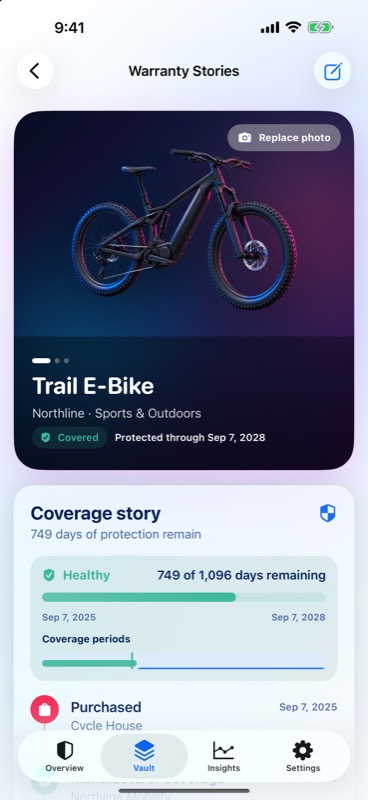
Manufacturer and extended warranties can have different providers and start dates. Copy dates from the documents and review whether the periods overlap or follow one another. Keep return deadlines separate from warranty expiration.
Review notifications
Check the record’s reminder preference and OwnKeep’s reminder settings. In iOS Settings, verify that notifications are allowed for OwnKeep. Focus modes and notification presentation settings can affect when you notice an alert.
Keep the evidence
A timeline helps you act; the provider’s terms determine whether a problem is covered. Save repair notes, correspondence and reference numbers alongside the item. Before contacting a provider, make an export and review every attachment.
If a record looks wrong
Edit the item and correct the underlying dates or purchase information. Review any fields suggested by Pro receipt autofill before saving. Contact support with the app version and a brief description if the issue persists; avoid sending private documents unless needed and requested.
Still need a hand?
Tell us the app version, your device and what happened. Remove sensitive information from any supporting material.
Prepare a support email