 OwnKeep

Choose the right export
A CSV is a portable table for review in a spreadsheet. A PDF is a readable snapshot to print or share. A local backup is the app’s restorable data format. These serve different purposes: a report is not automatically a complete backup.
Keep a separate copy
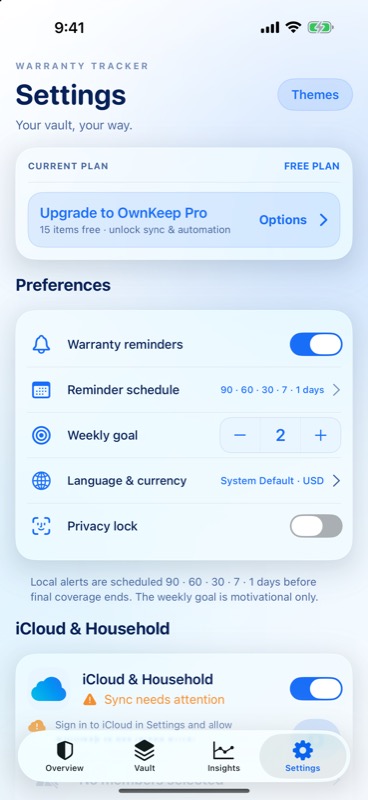
Use the backup/export controls in Settings and save to a location you control outside the app. Check that the export completed and that the saved file is present. Protect any copies containing serial numbers, values, addresses or policy details.
Before changing phones
Make a fresh backup before replacing or resetting your device. If using Pro iCloud sync, confirm the correct Apple Account and successful sync before relying on the new device. Keep the original device and backup until you have verified records and attachments.
Restore with care
Read the restore screen before confirming an import, and preserve a fresh copy of your current vault first. After restoration, spot-check records, dates, photos and attached documents. Contact support if the app reports a failure.
Still need a hand?
Tell us the app version, your device and what happened. Remove sensitive information from any supporting material.
Prepare a support email