 OwnKeep

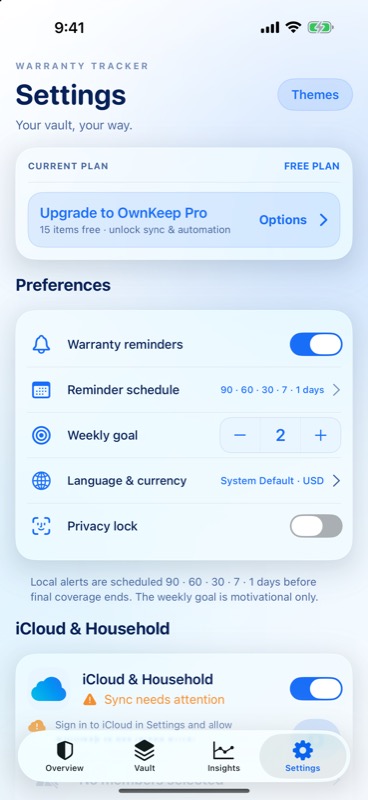
Choose a plan
Open the Pro offer in OwnKeep to review monthly, yearly and lifetime options. The Apple purchase sheet is the final source for your local price and terms. Monthly and annual subscriptions renew unless cancelled according to Apple’s terms.
Restore your entitlement
Use Restore Purchases while signed into the purchasing Apple Account and connected to the internet. If no purchase is found, check the account and subscription or purchase history. A purchase restore does not itself restore inventory records.
Set up optional sharing
Pro includes iCloud and household features. Follow the in-app setup and review what you are sharing, including records, photos, documents and contacts. Only invite people you intend to give access to those records. Invited participants can access the purchaser’s shared vault without buying Pro themselves; this is distinct from unlocking Pro for a separate personal vault.
Manage subscriptions and access
Manage subscriptions through Apple’s subscription settings. Review household access in the app when circumstances change. Export a copy of information you need before making significant changes, and contact support if a purchase or sharing state does not match what you expect.
Still need a hand?
Tell us the app version, your device and what happened. Remove sensitive information from any supporting material.
Prepare a support email