OwnKeep

Choose a useful set of views
For an ordinary appliance or electronic item, start with a whole-object view, an identifying-label view, and a close-up of anything distinctive. Add a condition photo when a mark, accessory, or repair matters. You do not need six nearly identical angles simply because an app permits six images.
For furniture, capture the complete piece and recognizable details such as finish, shape, or maker's label. For a set, show the pieces together and explain the count in your record. Decide whether an accessory belongs to the main item or needs a separate entry, then apply that decision consistently.
Make the subject readable
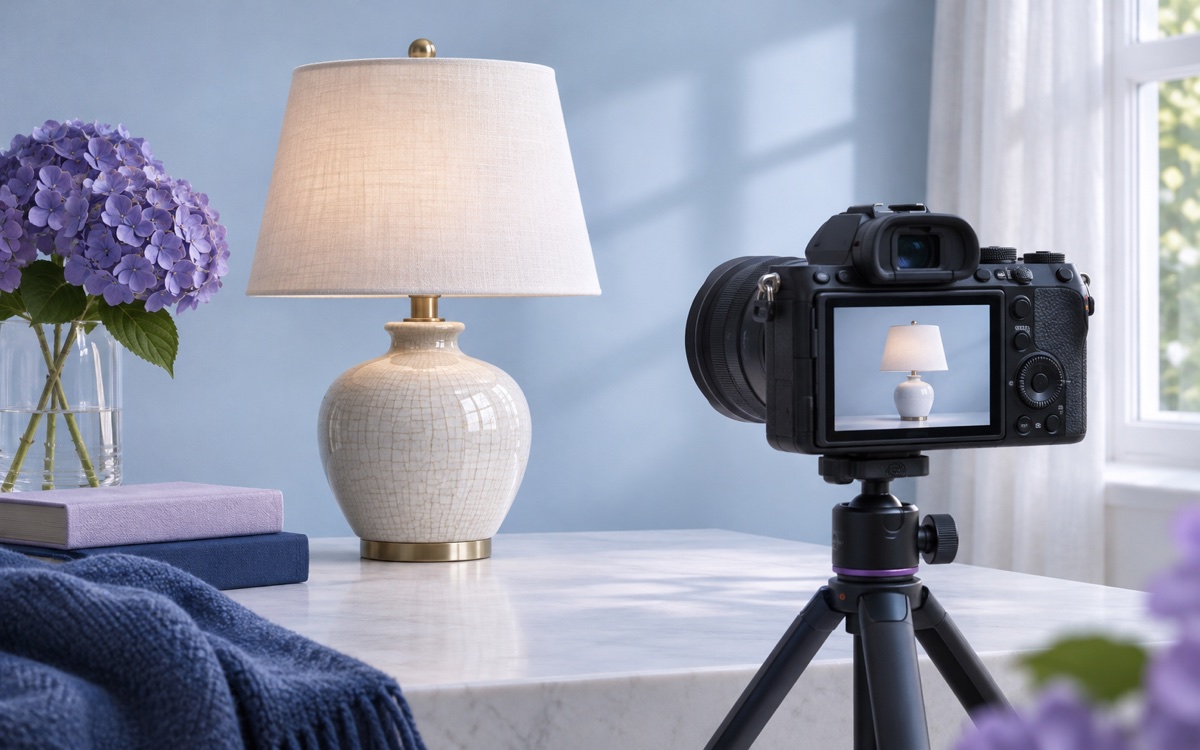
Use even light and hold the camera steady. Move around glare rather than assuming a flash will improve every glossy surface. Check focus on the actual label or object, not on the background. A small change in angle often makes a printed serial number easier to read.
After capturing, zoom in on the saved image. If you cannot distinguish characters now, you probably will not be able to distinguish them during a later claim or repair conversation. Take another photograph while the item is still in front of you. Avoid relying on automatic enhancement to reconstruct missing detail.
Keep context without exposing your home
Choose a neutral background where practical and review the edges of the frame. Mail, family photographs, visible addresses, computer screens, security keypads, and reflections may reveal more than the item you intended to document. Keep an original privately when needed, and prepare a separate limited copy for sharing.
A room overview can help you remember arrangement and contents, but it also reveals your home. Treat it as private inventory material. Public sale listings and support emails usually need a smaller selection of images. Never assume that a crop used in one export changes every original stored elsewhere.
Handle labels safely
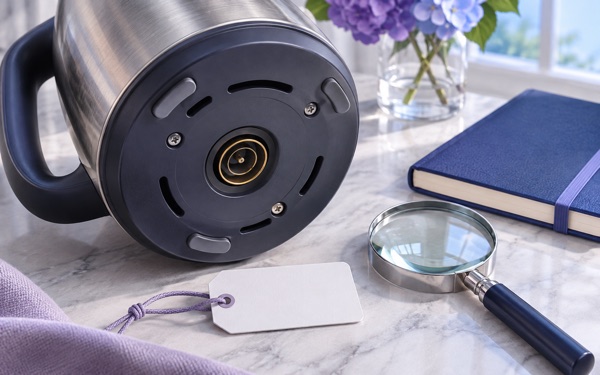
Photograph accessible labels without removing protective covers or disassembling a product. If a label is underneath a heavy appliance, record what is visible and plan a safe opportunity to capture it. The inventory is not a reason to risk injury or damage equipment.
Separate model numbers from serial numbers in the written record. If a label contains several barcodes or identifiers, include the full label privately and transcribe only the relevant fields. Do not post that image publicly by default. Verify uncertain characters against another authorized source such as the invoice or manufacturer account.
An illustrative three-photo record
For a fictional desk monitor, image one shows the screen and stand with the display turned off. Image two shows the rear model label. Image three records an existing scuff on the base. The note says which image shows the label and when the condition photograph was taken.
The invoice belongs in the document area, not as the only product photo. This separates evidence of purchase from evidence of appearance. If the monitor is later repaired or sold, add a dated condition update rather than silently replacing the earlier image and losing the sequence of events.
Review before you rely on the photos
Confirm orientation, readability, attachment assignment, and privacy. Check at least one export to see whether photographs appear at a useful size. A thumbnail that looks attractive in a library may become too small to read in a report. Keep original files when a recipient needs more detail.
OwnKeep supports up to six product photos per item and separate document attachments. Use that space for complementary evidence, not duplicates. Generated website illustrations are not evidence of your possessions; use your own accurate photos for actual records. An inventory image supports documentation, but it does not itself prove coverage, value, or ownership.
Sources & disclosure
Published by OwnKeep, which promotes its own app. Prepared with AI assistance; editorial cover imagery is AI-generated. Product screenshots elsewhere on this site use illustrative sample data. Our editorial approach.
Published 2026-11-22. Last substantively updated 2026-11-22.