OwnKeep

Choose the evidence you need
A useful electronic-item record normally identifies the device, its accessories, its purchase evidence, and its current condition. Start with a whole-device photo and a readable identifying label. Add relevant condition details or service documents rather than taking many near-duplicate pictures.
Turn off or lock screens for general product photos when that makes the image safer. Check reflections as well as the main display. A laptop screen, smart display, or television can reveal messages, calendars, account names, or household information that has nothing to do with the item you are documenting.
Keep identifiers separate from secrets
Record manufacturer, model, and serial in distinct fields. If you use a screenshot from settings, review every visible line before attaching it. Do not copy passwords, device passcodes, Wi-Fi credentials, authentication QR codes, or recovery keys into ordinary inventory notes.
Some labels combine several kinds of information. Capture only what you need where practical, or protect the complete private source carefully. When a legitimate support provider requests an identifier, use its official channel and send the minimum appropriate details. A public marketplace listing rarely needs the same information as a private repair case.
Document accessories and bundles
List accessories that are part of the item record: power supply, dock, stand, case, or other components you want to track. If an accessory is independently valuable or used with several devices, decide whether it deserves a separate record. Keep your choice consistent so exports do not double-count the same equipment.
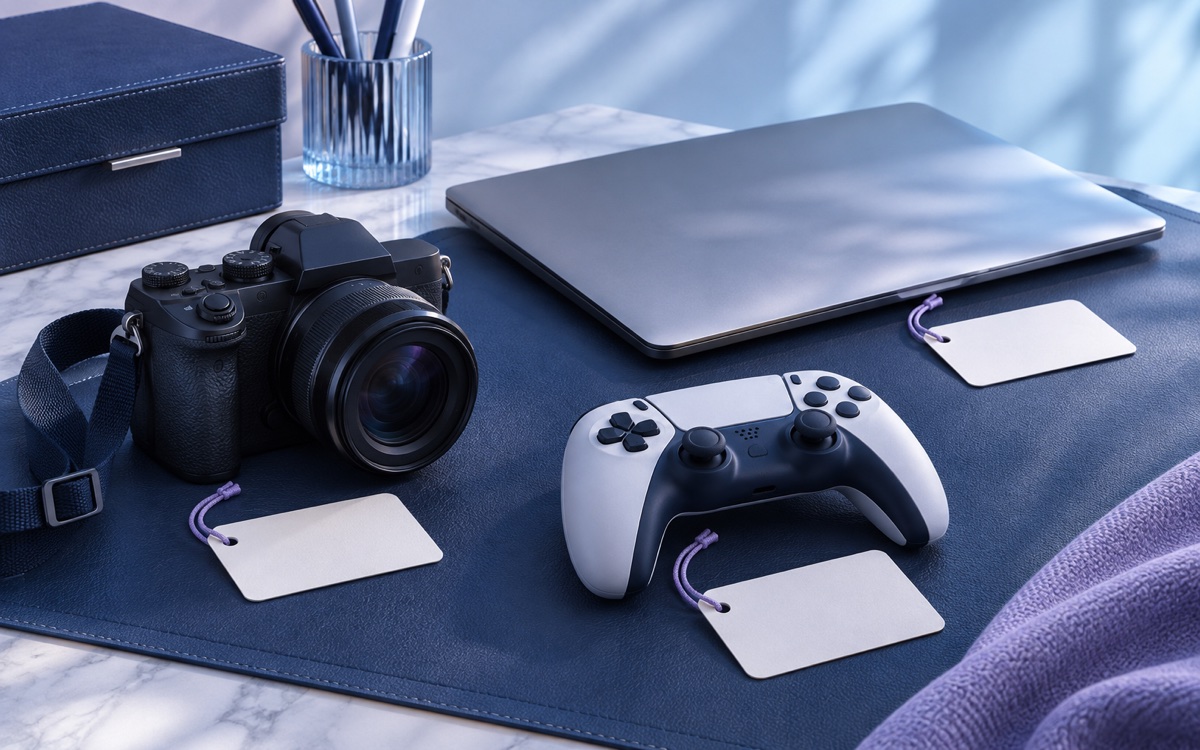
For an illustrative camera setup, the body and lens may have separate serials and service histories even when purchased on one invoice. Attach the shared evidence and describe the relationship. Do not assign the whole bundle price to every component or use the body serial as a substitute for the lens identifier.
Keep service history factual
Save repair invoices, exchange confirmations, and relevant support correspondence. Record symptoms separately from a technician's diagnosis. If a replacement unit arrives, update the current identifier and preserve the connection to the earlier item. A matching model name does not mean it is the same physical device.
Take a new condition photo after a significant repair or before a handoff. Retain earlier relevant evidence with dates rather than silently replacing it. Avoid operating damaged or unsafe equipment for the sake of a photo; follow official safety and service instructions.
Prepare a separate sharing copy
Before sending an export, open it and review filenames, notes, images, and attachments. Remove unrelated personal information from the sharing copy while keeping your original privately. A redacted receipt can be useful, but check that the relevant purchase information remains understandable to the intended recipient.
If you are selling or donating the device, inventory cleanup is only one part of preparation. Follow the manufacturer's current instructions for backup, account removal, and erasure. The FTC provides general guidance on removing information before disposing of a computer. Deleting the inventory record does not erase the device itself.
Use OwnKeep for the evidence trail
OwnKeep Free can hold item photos, identifiers, receipts, notes, and basic exports. Its optional Privacy Lock is available without a Pro requirement. Pro adds recognition and photo-cleanup tools, but those conveniences do not decide which information is safe to share.
Review one electronics record from the perspective of a stranger: can they identify the item without seeing your account life? That is a useful practical test. Keep private records accurate, outgoing files limited, and device-erasure work separate from the inventory so neither task is accidentally mistaken for the other.
Sources & disclosure
Published by OwnKeep, which promotes its own app. Prepared with AI assistance; editorial cover imagery is AI-generated. Product screenshots elsewhere on this site use illustrative sample data. Our editorial approach.
Published 2026-11-22. Last substantively updated 2026-11-22.