OwnKeep

Start with the label you can verify
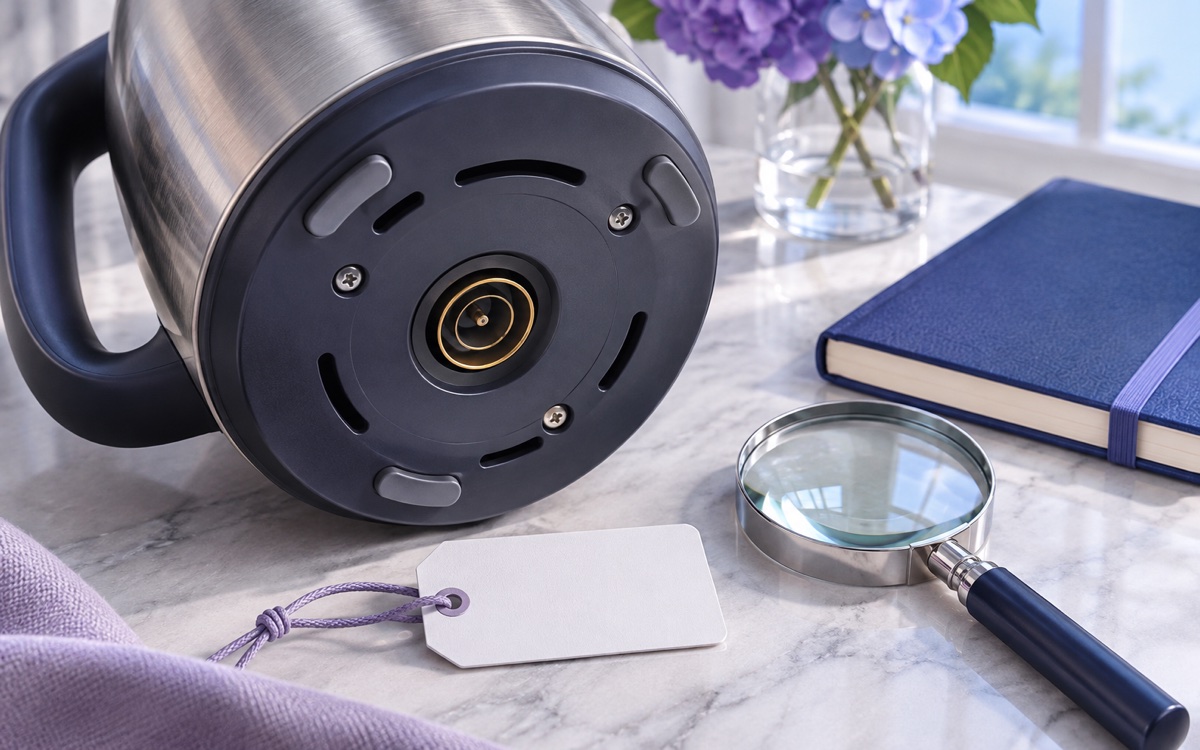
Look for the manufacturer's identification label in a safely accessible place. The location varies by product. It may be on the back, underside, door frame, packaging, or an information screen. Use the manufacturer's official support instructions when you are unsure, rather than opening a panel to search.
Do not guess from the product's appearance. Two devices can look identical but have different model revisions. Save the label photograph alongside the typed values so a future reader can recheck them. If you use a box label, note that source and confirm that the box belongs to the unit you still own.
Keep identifiers in separate fields
Use separate entries for manufacturer, product name, model, and serial number. A retailer's stock code or order number belongs elsewhere. Combining all of them into one long name may make the item searchable today, but it becomes difficult to understand when you export the record later.
Preserve meaningful letters, hyphens, and leading zeros. Read ambiguous characters aloud while comparing the image: the letter O and zero, or I and one, are easy to confuse. If a character cannot be confirmed, leave a clear note instead of entering a plausible guess that looks authoritative.
Decide what not to collect
An inventory is not a password manager. Avoid recording Wi-Fi passwords, account recovery codes, device unlock codes, or authentication QR codes with product identifiers. A setup label can contain several kinds of information; photograph only what you need when possible, or keep the complete label in an appropriately protected private location.
Be particularly careful with screenshots from device settings. They can include account names, phone numbers, network details, or other information unrelated to the model. Review the image before attaching it. When sharing a support request, send only the fields the legitimate recipient requires through its official channel.
Use a verification routine
After typing, search your own inventory for the model to see whether a duplicate record already exists. Compare the serial against the image one more time. Add the source and review date in a short note when the information was reconstructed from an invoice rather than observed on the item.
For a fictional camera kit, keep the camera body's serial in its record and the lens serial in a separate lens record if you manage them independently. Do not assign the camera serial to the whole kit. Link the shared invoice by description so each unit remains identifiable.
Make exports retain their meaning
Open a sample CSV in the application you intend to use. Spreadsheet software may interpret identifiers as numbers and remove leading zeros or display long values in scientific notation. Import identifier columns as text, and compare a few values with the original record before sharing the sheet.
A PDF may be easier for a recipient to read, while a CSV is easier to sort. Neither choice excuses inaccurate transcription. Keep a private original copy of the export and prepare a separate recipient-specific version when identifiers or other details should be omitted. Confirm any redaction in the exported file itself.
Put the identifiers to work
Use the verified model when retrieving official manuals or comparing recall notices. A matching brand name alone is not enough to establish that a particular notice applies. Follow the notice's full product-identification instructions, including date or batch ranges where specified, and avoid treating a failed search as a safety guarantee.
OwnKeep stores model and serial information with notes and supporting files. Add the label photo to the same record so the evidence stays connected. Its local-first approach can keep this practical reference close at hand, but your device protection and export-sharing choices still matter.
Sources & disclosure
Published by OwnKeep, which promotes its own app. Prepared with AI assistance; editorial cover imagery is AI-generated. Product screenshots elsewhere on this site use illustrative sample data. Our editorial approach.
Published 2026-11-22. Last substantively updated 2026-11-22.