OwnKeep

Prioritize the receipts that matter now
Start with receipts tied to open return windows, current warranties, recent purchases, or items whose purchase history would be difficult to reconstruct. You do not need to digitize every scrap of paper before protecting the most useful evidence. Put the rest in a separate review queue.
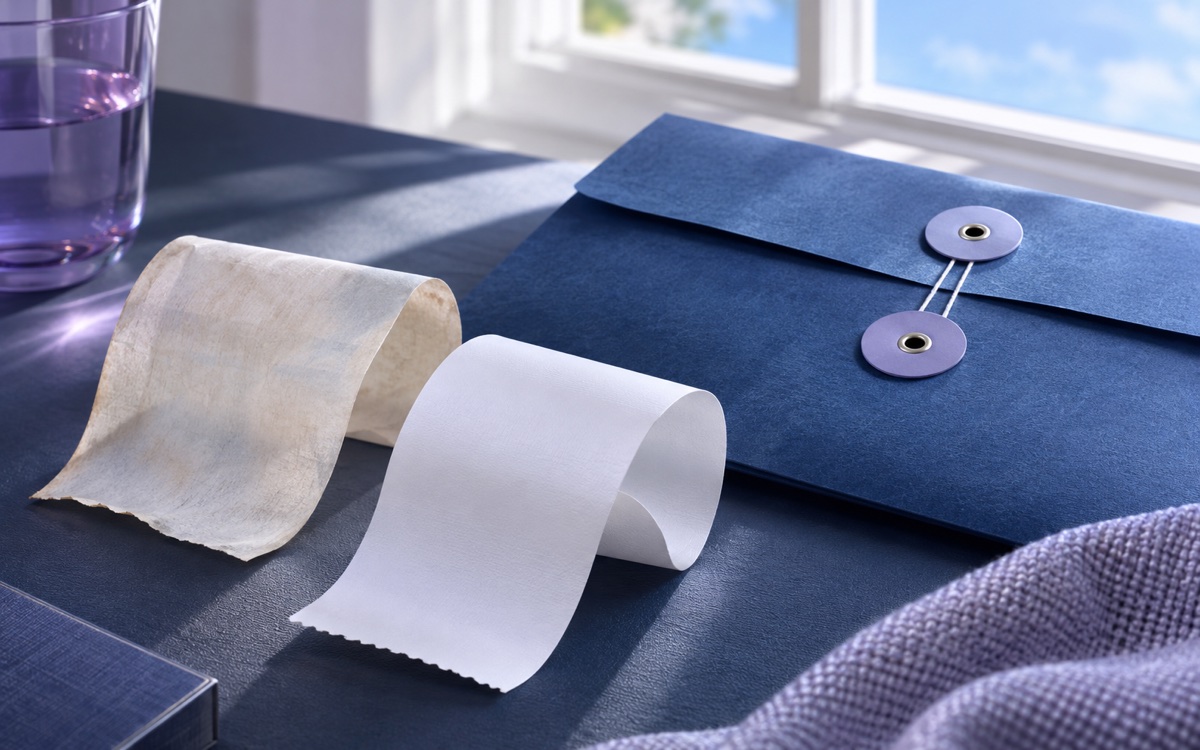
Handle the paper carefully and use ordinary, even lighting for capture. Avoid experiments with heat, solvents, or other treatments to make printing reappear. Such attempts can damage the only source you have. This guide focuses on preservation and recordkeeping, not restoration of the physical receipt.
Make a readable copy first
Photograph or scan the full receipt, including the seller, date, product lines, and relevant totals. Open the saved file and zoom in. If a line is faint, try a different lighting angle while leaving the original unchanged. Keep the clearest accurate capture rather than several unexplained versions.
For a long receipt, use overlapping images or a multipage document and inspect the joins. Check that no section disappears between pages. A digital file named “receipt” is not enough; the contents must remain readable and connected to the right purchase when you revisit them later.
Keep uncertainty visible
If a date or amount cannot be read, do not type a confident guess into the record. Note which field is uncertain and what other evidence might confirm it. An order confirmation, retailer account, or authorized duplicate may help, but it should remain identified as a separate source.
For a fictional appliance receipt with a readable product line but faded date, record the product and attach the image. Add a task to request a duplicate. If the retailer supplies one, save both documents and note the relationship. Avoid silently replacing the damaged source with your own reconstructed version.
Ask for a legitimate duplicate
Use the seller's official support route or account tools to request the available purchase record. Provide only the information reasonably required through that channel. Keep any response explaining what the seller could or could not locate. A payment statement may help identify a transaction, but it may not identify the exact item.
Do not create a retailer-style receipt yourself. If you prepare a personal purchase summary, label it plainly as your own record and identify its sources. A summary can help organize a conversation without pretending to have the same evidentiary role as an invoice issued by the seller.
File the original and copy together conceptually
Keep the physical receipt in a suitable document location if you still need it, and note that location in the item record. The digital copy should have a recognizable filename and a verified link to the product. Save later refunds or exchanges alongside it, rather than losing the original transaction history.
The FTC recommends keeping a product receipt with its warranty. Your own filing routine can implement that simple idea: one item, its proof, and a short explanation of anything incomplete. A digital copy may be convenient, but follow a provider's requirements if it asks for another form of evidence.
Build capture into the purchase routine
Make important receipt capture part of putting a new item away. A brief check at that moment is easier than reconstructing a purchase years later. Review a few older records during an annual inventory check and replace unreadable digital captures only when you have a better legitimate source.
OwnKeep can attach receipt images or PDFs to Free local records. Pro autofill may assist with clear text, but recognition cannot establish missing facts or recover proof that is no longer present. Keep the image, review every suggested field, and use notes to distinguish confirmed information from anything still being researched.
Sources & disclosure
Published by OwnKeep, which promotes its own app. Prepared with AI assistance; editorial cover imagery is AI-generated. Product screenshots elsewhere on this site use illustrative sample data. Our editorial approach.
Published 2026-11-22. Last substantively updated 2026-11-22.