OwnKeep

Prepare the receipt and the light
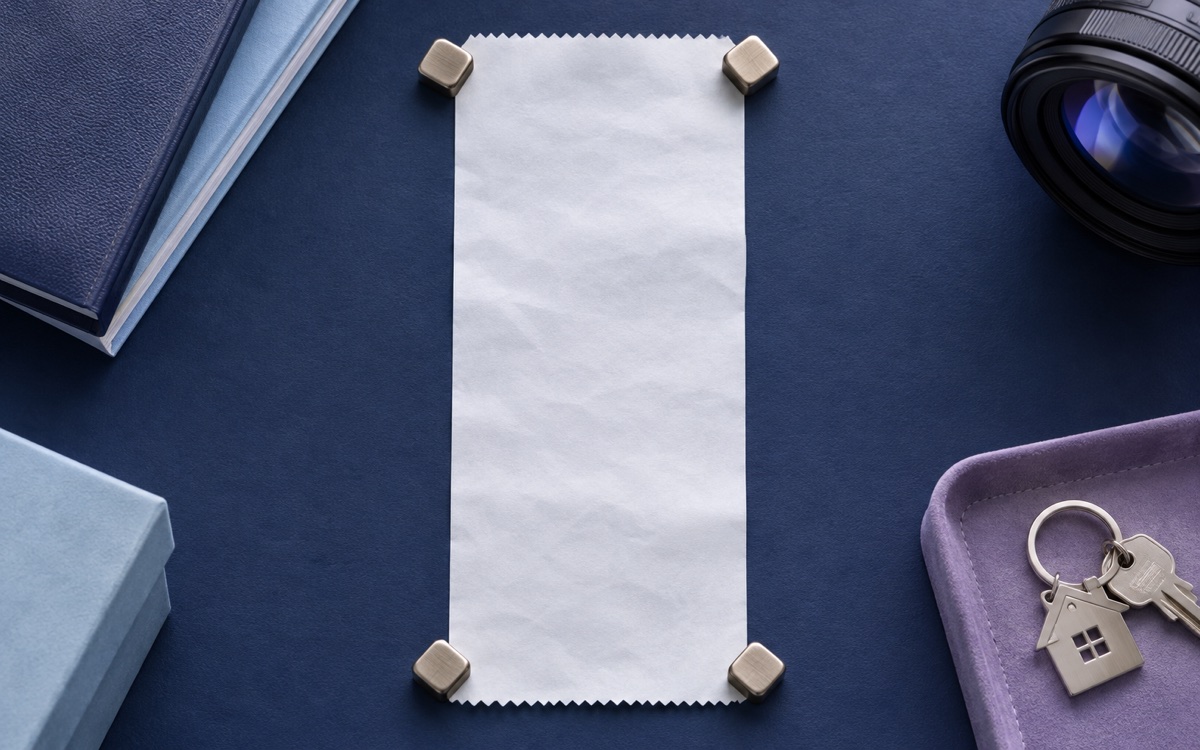
Place the receipt on a flat surface with even lighting. Gently flatten folds without damaging the paper. Move the light or camera to avoid glare and strong shadows. A contrasting background can make page edges easier to distinguish, but readability matters more than making the image look polished.
For long receipts, do not force the entire strip into an unreadably small frame. Capture overlapping sections or use a multipage scan, then check that no lines are missing between images. Keep the order understandable. A clear sequence of two pages is better than one tiny image of every line.
Capture the complete relevant document
Include the retailer heading, transaction date, purchased item line, and totals or payment information needed to understand the purchase. Review the bottom of the receipt for return or reference details before cropping. Do not assume that the bold total is the only useful information.
If the receipt includes unrelated purchases, preserve a complete private source and prepare a limited copy for a particular recipient later. Cropping the only original too aggressively can make it harder to explain a shared discount or identify the transaction. Privacy-conscious sharing and complete private evidence can coexist.
Inspect the saved result
Open the image after saving rather than judging only the camera preview. Zoom in on small characters and confirm that the date, product code, and amounts are distinguishable. Check that the page is not tilted so severely that one edge becomes blurry or cut off.
Apple's Notes app offers document scanning, including multipage capture. You can use a built-in tool or the capture flow in your inventory app; the quality check is the same. A successful scan operation does not prove every character is legible, and automatic edge detection can select the wrong boundary.
Treat recognition as a draft
Text recognition may confuse a letter with a number, choose an order date instead of a purchase date, or interpret a basket total as an item's price. Compare suggestions with the image before saving them. Keep the image attached even after you have entered the useful fields.
For a fictional receipt containing a monitor and cable, verify the monitor line and any allocated discount. Do not assign the entire receipt total to the monitor merely because recognition found that number most confidently. If the allocation is unclear, preserve the uncertainty in notes instead of inventing precision.
File it where you will look
Attach the receipt to the item and give the file a meaningful name. If one receipt supports several records, explain the relationship. A folder full of filenames such as “scan 17” makes later retrieval harder even when each image is perfectly readable.
Record the location of a retained paper original if you still need it. Keep return confirmations and later adjustments as separate documents. Test retrieval by searching for the item name rather than browsing the newest images; this checks whether the filing system works after the purchase is no longer fresh in memory.
Sources & disclosure
Published by OwnKeep, which promotes its own app. Prepared with AI assistance; editorial cover imagery is AI-generated. Product screenshots elsewhere on this site use illustrative sample data. Our editorial approach.
Published 2026-11-22. Last substantively updated 2026-11-22.